

DashboardYour Account
Managing your sessions
Review where you're signed in and sign out of devices you don't recognise.
We track where you are logged in from and what devices you're using. If you want to log out of all Gridlock sessions, use the Sessions page in your account settings.
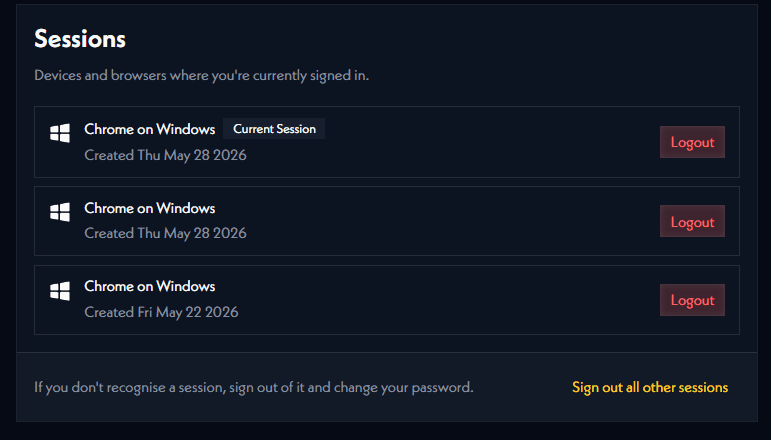
This is a general security measure to ensure account security. If you're using a new device, you can log out of all your other sessions.