
DashboardYour Account
Linking your Minecraft account
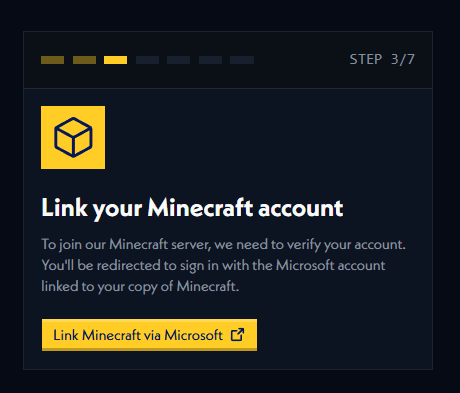
Connect your Minecraft account through Microsoft to join the server.
In Gridlock, you cannot participate in the game without linking a Minecraft account on our dashboard first. Upon linking your account, it will give you access to join your specified region's server.
How to link your Minecraft account
When setting up your account, you will be asked to login to the Microsoft account your Minecraft account is associated with. If you don't have a Minecraft account that is not associated with Microsoft, you cannot play in Gridlock. This includes cracked accounts.
Linking a new Minecraft account
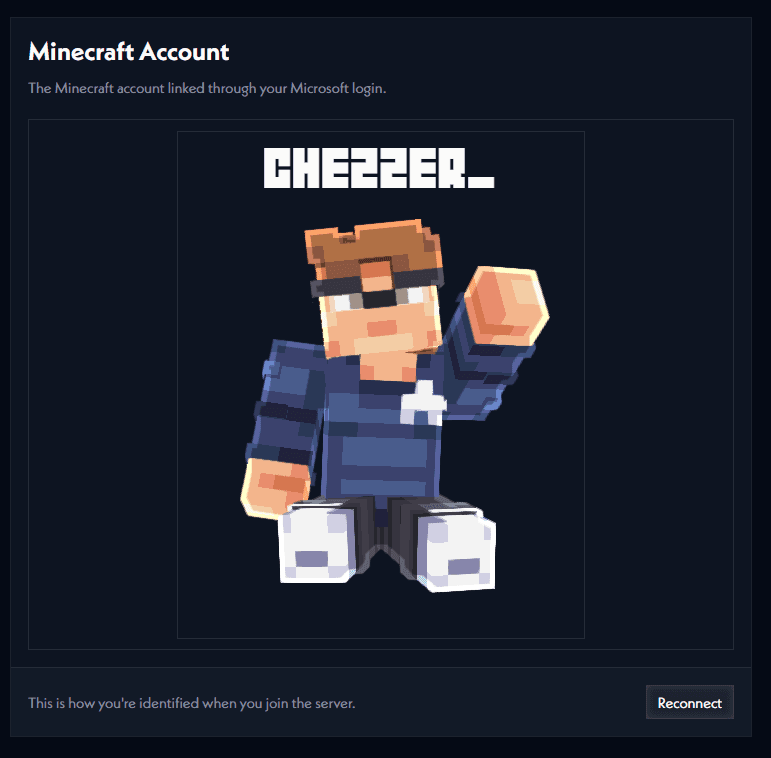
After the setup phase, you can link a new Minecraft account by heading to the Minecraft section in your account settings.
Here you can press the Reconnect button to link a new Minecraft account.