

Forming a duo
Instructions on how to form a duo with another player.
Once you have your team mate, head over to the Gridlock website. Make sure you are both signed up and ready to go. This means both of you are fully setup and can see the dashboard home page and have no setup steps remaining.
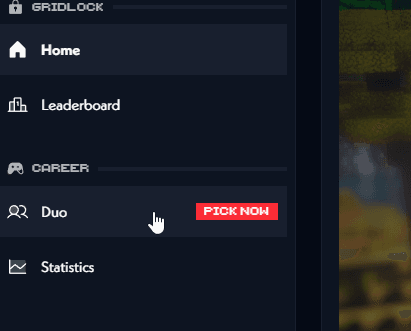
Open the duo page by clicking on the Duos tab in the sidebar.
Then simply enter the name of the person you want to create a duo with and invite them. If your team mate does not appear in this list, refer to the section below for help.
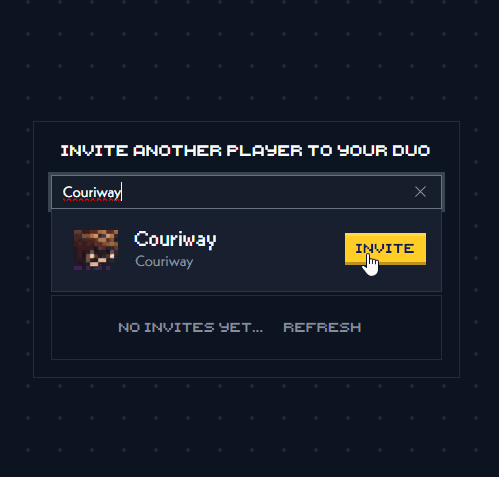
Inviting your team mate will create a duo request on their end. Make sure to hit the refresh button if you don't see it immediately.
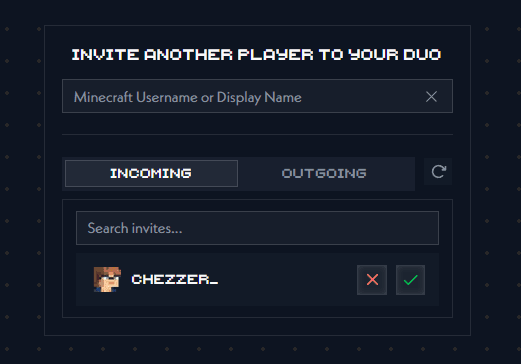
Duo requests expire after 24 hours.
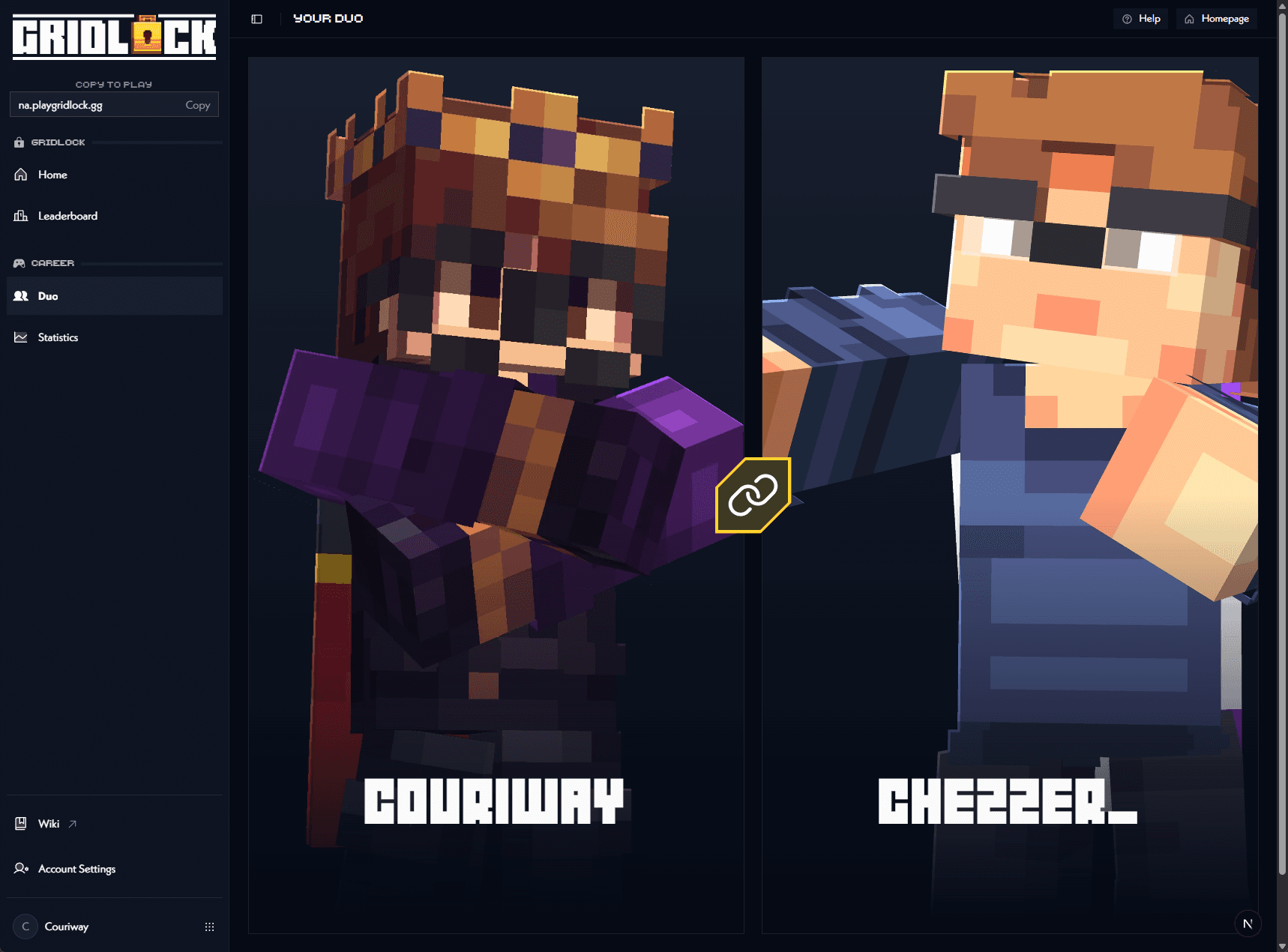
Once your team mate accepts your duo request, you will both be in a duo together and ready to play in Gridlock. This will give you access to the open qualifiers once they are open.
I can't find my team mate
If the list does not show the person you are looking for, make sure you are entering either their Minecraft in-game username, or their Gridlock Display Name, which defaults to their Discord Display Name. If they are still not showing up, it could be that your team mate has not setup their account yet and needs to register formally for Gridlock. If you believe there is a problem and both of you are signed up correctly, please contact us on our Discord server.